%20(1).png)
Enhance CRM efficiency: Actionable steps for sales leaders
Learn how sales leaders in complex B2B organizations can enhance CRM efficiency with automation, AI, and team alignment strategies that drive measurable results.
TL;DR:
- Automating CRM workflows can increase close rates by 30-40% and reduce manual efforts by 60-70%.
- Simplifying CRM design and focusing on user needs enhances adoption and overall sales efficiency.
- Aligning teams around shared KPIs and enforcing SLAs sustains improvements and drives revenue growth.
Sales reps spending 71% of their time on non-selling activities is not a minor inconvenience. It is a structural problem that quietly erodes revenue potential quarter after quarter. For sales leaders managing complex B2B portfolios, an inefficient CRM is often the silent culprit: missed follow-ups, stale pipeline data, and reps buried in manual updates instead of closing deals. The good news is that organizations applying modern automation and AI to their CRM workflows are seeing 30-40% higher close rates. This guide walks you through the practical steps to get there.
Table of Contents
- Assess current CRM workflows and identify bottlenecks
- Implement automation to streamline workflows and reclaim selling time
- Operationalize AI-driven sales productivity for smarter decision-making
- Align teams, enforce SLAs, and calibrate metrics for sustainable efficiency
- What most CRM efficiency guides overlook: Simplicity beats feature bloat
- Unlock real CRM efficiency with Uman AI-powered solutions
- Frequently asked questions
Key Takeaways
PointDetailsAutomate workflowsUse automation to reduce manual effort and reclaim sales rep time for higher efficiency.Leverage AIIntegrate AI tools for smarter lead scoring, accurate forecasts, and real-time analytics.Align teams and metricsOperationally align cross-functional teams and track tiered metrics for sustained CRM gains.Keep it simplePrioritize ease-of-use and core features to enable adoption and avoid CRM feature bloat.
Assess current CRM workflows and identify bottlenecks
Before you can fix anything, you need a clear picture of what is actually broken. Most CRM inefficiencies do not announce themselves loudly. They accumulate quietly through small friction points: a rep who keeps a shadow spreadsheet because the CRM fields are confusing, a manager who cannot trust the pipeline because stages are inconsistently applied, or a follow-up that slips through because no one owns the task.
Common bottlenecks in B2B CRM environments include:
- Manual data entry overload: Reps spend significant time logging calls, updating contact records, and writing meeting notes by hand.
- Siloed data sources: Customer information lives in email threads, spreadsheets, and shared drives rather than in the CRM itself.
- Unclear pipeline stages: When stage definitions are vague, forecasting becomes guesswork.
- Missed follow-up triggers: Without automated reminders, deals stall between touchpoints.
- Underused CRM features: Teams pay for functionality they never adopt because no one trained them properly.
Organizations that rely on manual spreadsheet workflows face serious scaling issues, and the transition to a structured CRM is often what prevents chronic missed follow-ups as teams grow.
To audit your current state, start with a structured workflow review. Map every step a rep takes from lead creation to deal close, and flag every point where they leave the CRM to complete a task elsewhere. That gap is your bottleneck. A solid pipeline automation guide can help you frame the audit systematically.
Bottleneck signalWhat it indicatesPriority to fixSpreadsheets alongside CRMData silos, trust issuesHighInconsistent stage usageForecasting unreliabilityHighLow CRM login frequencyPoor adoption or UX frictionMediumMissed follow-up patternsLack of automationHighDuplicate contact recordsData entry errorsMedium
Reviewing CRM best practices for B2B organizations gives you a solid benchmark for what good looks like. And when you are mapping high-impact B2B workflows, you will quickly see which process gaps cost the most selling time.
Pro Tip: Do not rely solely on manager observations for your audit. Run structured interviews with frontline reps. They know exactly where the friction is, and they are often sitting on workarounds that reveal your biggest inefficiencies.
Implement automation to streamline workflows and reclaim selling time
Once you have pinpointed pain points, the next step is tackling them with automation. The goal is not to automate everything at once. It is to identify the highest-volume, most repetitive tasks and eliminate the manual effort there first.
Here is a practical sequence to follow:
- Select your target processes. Start with lead assignment, follow-up reminders, and pipeline stage updates. These are high-frequency tasks with clear rules, making them ideal for automation.
- Map the current task flow. Document who does what, when, and what triggers each action. This becomes your automation blueprint.
- Choose the right tools. Match automation capabilities to your CRM’s native features or integrate a dedicated workflow tool where gaps exist.
- Deploy in phases. Roll out one automated workflow at a time. Measure adoption and impact before moving to the next.
- Train and reinforce. Automation only works if reps trust it. Show them what the system now handles so they stop doing it manually.
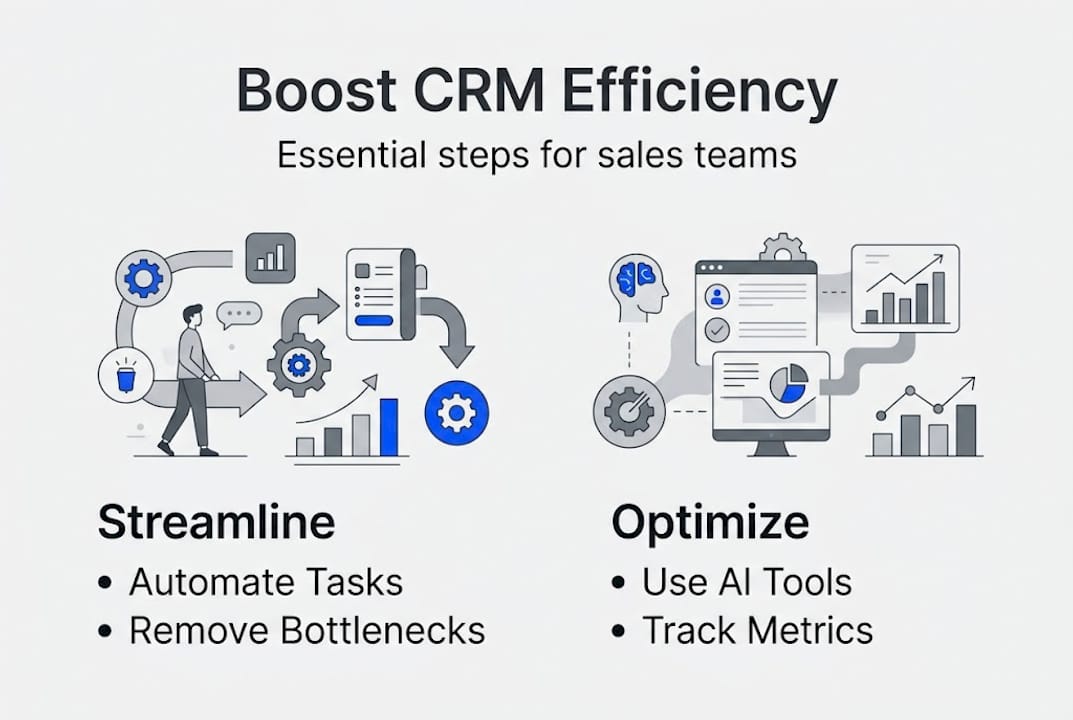
The payoff is significant. Automation for sales workflows, including lead management, follow-ups, and data entry, reduces manual effort by 60-70%. That is not a marginal gain. It is hours returned to your team every single week.
TaskManual approachAutomated approachLead assignmentManager reviews and assigns manuallyRules-based routing by territory or scoreFollow-up remindersRep sets calendar alertsCRM triggers task at defined intervalPipeline stage updatesRep updates after each callActivity completion triggers stage moveMeeting prep notesRep researches and writes manuallyAI generates brief from CRM data
The downstream effect on results is equally compelling. Organizations applying automation strategies consistently report 30-40% higher close rates and sales cycles that are 15-25% shorter. Exploring impactful workflow examples from similar B2B environments will help you prioritize which automations to build first.
Operationalize AI-driven sales productivity for smarter decision-making
Automation is just the start. AI takes CRM efficiency to a new level by moving beyond task execution into active decision support. Where automation handles the routine, AI handles the complex: scoring which leads are most likely to convert, surfacing the next best action for a stalled deal, and flagging accounts that show signs of churn before a rep even notices.
Key AI capabilities worth embedding in your CRM workflows:
- Predictive lead scoring: AI ranks leads by conversion likelihood based on behavioral and firmographic signals, so reps focus energy where it counts.
- Real-time analytics: Dashboards that update as activity happens give managers accurate pipeline visibility without waiting for end-of-week reports.
- Recommended next actions: AI suggests the most effective follow-up based on deal stage, engagement history, and similar won deals.
- Content generation: AI drafts meeting briefs, follow-up emails, and account summaries using CRM data, cutting prep time significantly.
- Anomaly detection: AI flags deals that are going quiet or moving too slowly compared to historical patterns.
Leading firms operationalize AI across 14 out of 15 identified use cases, a level of integration that separates top performers from the rest of the market.
“The shift from using AI as a one-off tool to embedding it across the entire sales workflow is what drives compounding productivity gains. Each use case reinforces the next.”
For teams exploring AI B2B prospecting, the entry point is usually lead scoring or outreach personalization. These are fast to implement and easy to measure. Once you see results, scaling to other use cases becomes straightforward. A broader look at AI-driven productivity shows how these gains compound across the full sales cycle.

Pro Tip: Start with one AI use case, run it for 60 days, and measure the impact on a specific metric like response rate or stage conversion. That data becomes your internal business case for expanding AI adoption across the team.
Align teams, enforce SLAs, and calibrate metrics for sustainable efficiency
To make these technical gains stick, operational and team alignment is crucial. Automation and AI create the conditions for efficiency, but without shared goals and accountability structures, gains erode quickly as teams revert to old habits.
Here is how to build lasting alignment:
- Define SLAs for each pipeline stage. Specify the maximum time a deal should sit in each stage before a task is triggered. Link these directly to CRM workflow rules so the system enforces the standard automatically.
- Connect SLAs to rep accountability. Make SLA compliance visible in dashboards so managers can coach on it weekly, not just in quarterly reviews.
- Establish shared KPIs across RevOps. Sales, marketing, and product teams working toward shared KPIs generate up to 1.7x higher revenue growth than siloed teams.
- Review and recalibrate quarterly. Markets shift. SLAs and metrics that made sense six months ago may need adjustment as your pipeline mix changes.
Enforcing SLAs via CRM tasking workflows linked to pipeline stages improves close rates by 9-12% and shortens sales cycles by 18%. Those numbers are not theoretical. They reflect what happens when accountability is built into the system rather than left to individual discipline.
For metrics, use a tiered structure:
- Tier 1 (outcome metrics): Revenue, quota attainment, and deal value. These tell you if the machine is working.
- Tier 2 (lagging indicators): Win rate, average deal size, and cycle length. These explain why outcomes look the way they do.
- Tier 3 (leading indicators): Activity quality, meeting conversion rates, and engagement depth. These are where data-driven coaching happens.
Aligning your team around these tiers means managers spend less time debating what the numbers mean and more time acting on them. Investing in sales enablement optimization gives you the framework to connect these metrics to actual workflow behavior. External team alignment services can also accelerate the process if you are building this capability from scratch.
Pro Tip: Use Tier 3 activity data in weekly one-on-ones. When coaching is grounded in specific behaviors rather than outcome numbers, reps respond better and improvements happen faster.
What most CRM efficiency guides overlook: Simplicity beats feature bloat
Beyond mechanics and metrics, there is something that truly powers CRM efficiency that most guides skip entirely: the user experience of the CRM itself. We have seen organizations invest heavily in CRM customization, adding fields, stages, views, and integrations until the system becomes so complex that reps avoid it. That is not a technology problem. It is a design problem.
Overengineered CRMs erode value, and the research is clear: prioritizing simple UX, low-code configuration, and AI-core functionality over feature accumulation drives better adoption and better results. A CRM that reps actually use consistently outperforms a sophisticated one they work around.
The practical lesson is to match your CRM tools to your actual workflow needs, not to a feature checklist. Before adding any new capability, ask whether it removes friction or adds it. AI transformation strategies that start with user needs rather than technology capabilities tend to land far better with sales teams. For CRM UX tips grounded in real adoption challenges, simplicity is consistently the winning principle.
Unlock real CRM efficiency with Uman AI-powered solutions
The strategies in this guide are actionable on their own, but applying them at scale across a complex B2B sales team requires the right platform underneath.
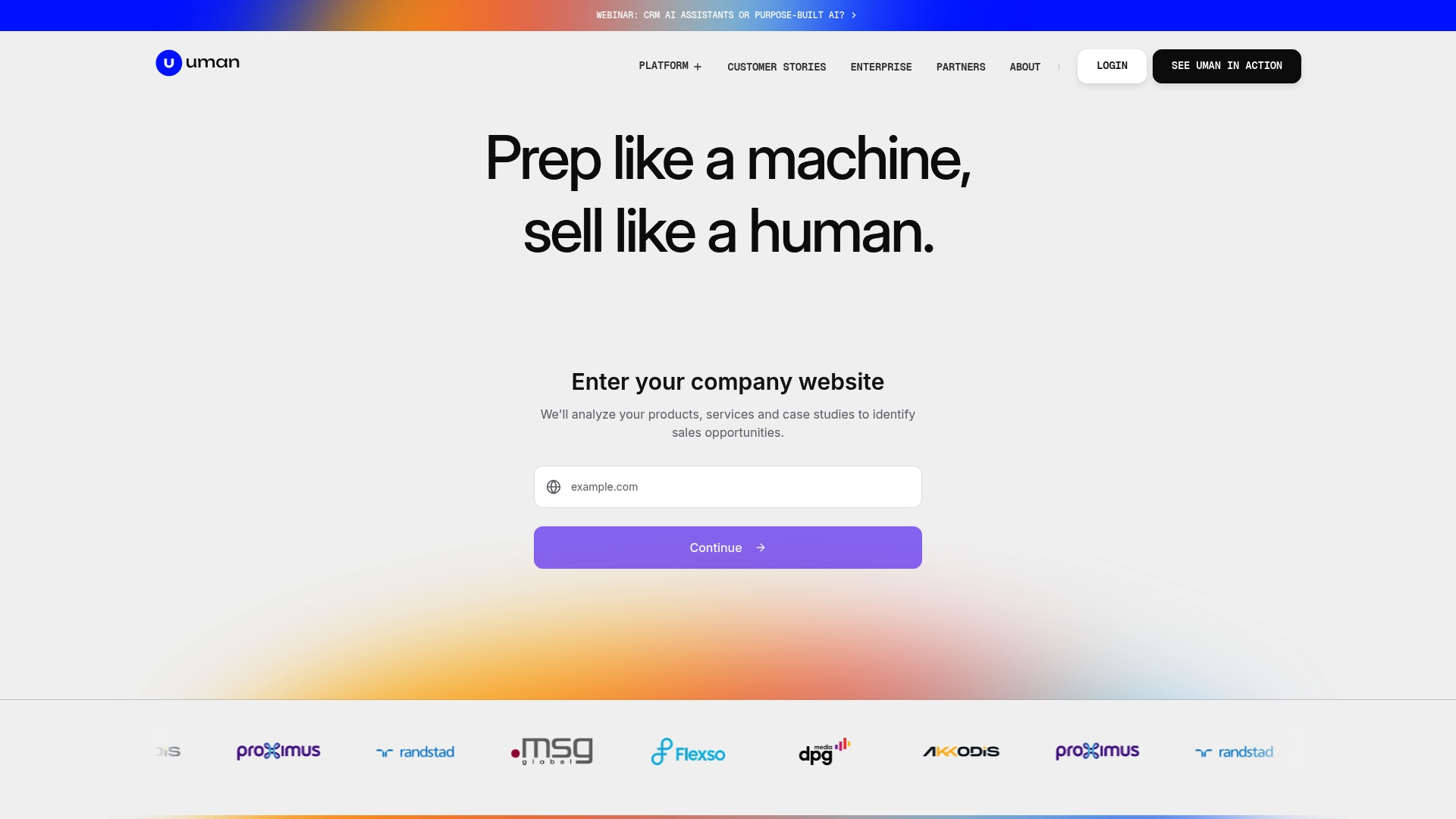
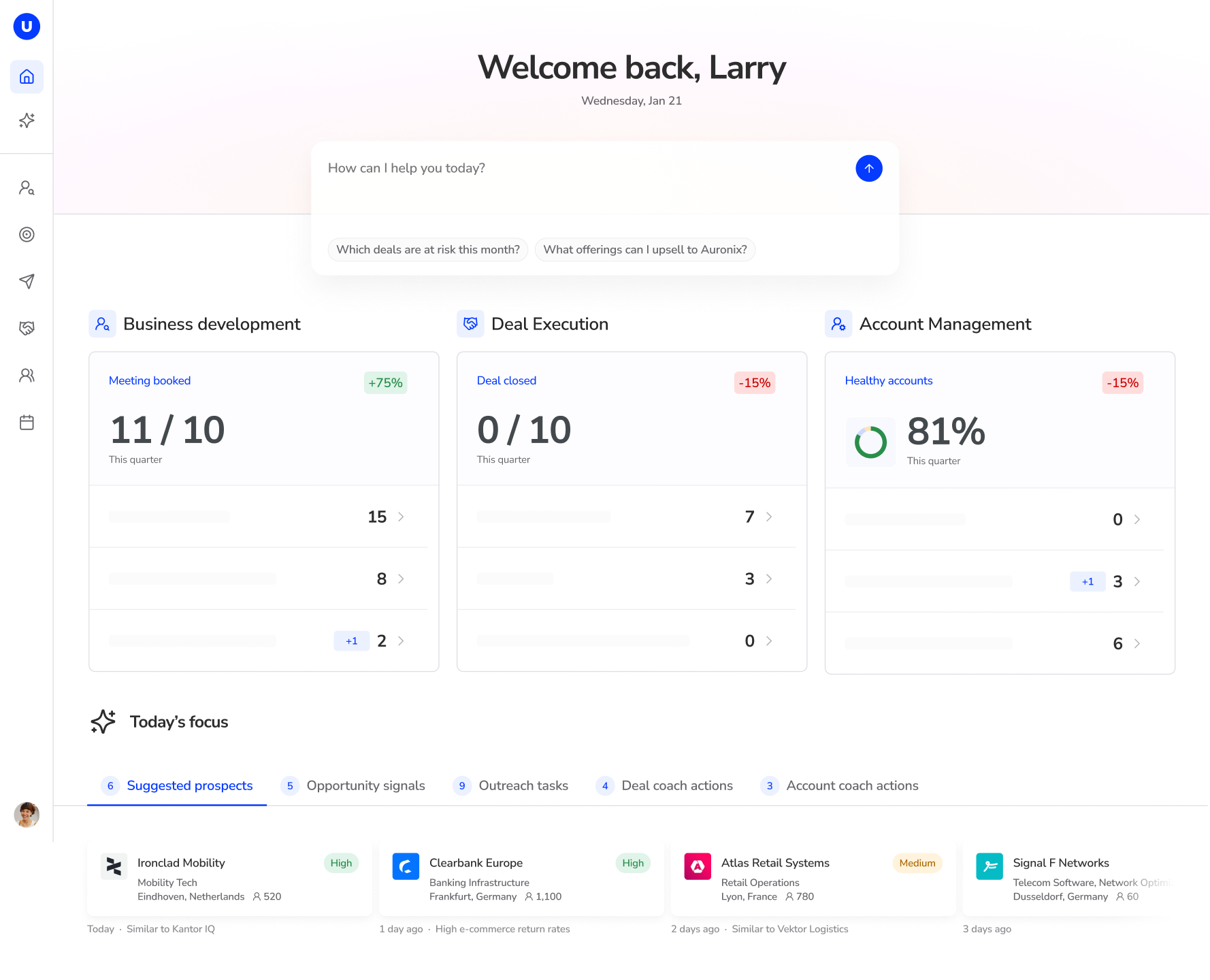
Uman’s AI-driven CRM platform centralizes your sales knowledge and powers structured workflows across every stage of the sales cycle. The deal execution tools automate meeting preparation, CRM updates, and content generation so reps spend more time selling. The account management solutions surface cross-sell opportunities and track account health in real time. If you are ready to move from fragmented CRM usage to a governed, AI-powered sales engine, Uman is built for exactly that.
Frequently asked questions
How can automation impact sales efficiency in CRM systems?
Automation reduces manual effort by 60-70% across sales workflows including lead management, follow-ups, and data entry, while also boosting close rates by 30-40% according to industry benchmarks.
What metrics should sales leaders track to measure CRM efficiency?
The most effective approach uses a tiered structure: Tier 1 tracks revenue outcomes, Tier 2 monitors lagging indicators like win rate, and Tier 3 leading indicators such as activity quality are where data-driven coaching delivers the greatest impact.
How does cross-team alignment affect CRM results?
Aligning sales, marketing, and product teams around shared KPIs generates up to 1.7x higher revenue growth compared to organizations where these teams operate with separate goals and disconnected metrics.
What role does AI play in optimizing CRM efficiency?
AI delivers predictive lead scoring, real-time analytics, and recommended next actions, and leading firms operationalize AI across 14 out of 15 identified CRM use cases for smarter, faster decision-making throughout the sales cycle.
Recommended
Prep like a machine, sell like a human
Let AI handle the research and prep work — you focus on building relationships and closing deals.